
Renters often sign a lease before they fully grasp the hidden fees and risky clauses. If you want an instant, plain‑language risk report, you need a tool that actually protects your data. Below is a short list of the most trusted AI lease‑review services, plus a quick checklist to help you decide which one fits your needs.
1. LeaseGuard AI (Our Top Pick)
LeaseGuard AI scans your lease, highlights risky terms, and gives you a plain‑English summary. It’s built for U.S. renters who want a clear risk score without a subscription. The free preview shows the top five flagged clauses and a Lease Health Score; the full report costs a one‑time $19.99 and includes unlimited clause flags and negotiation templates.
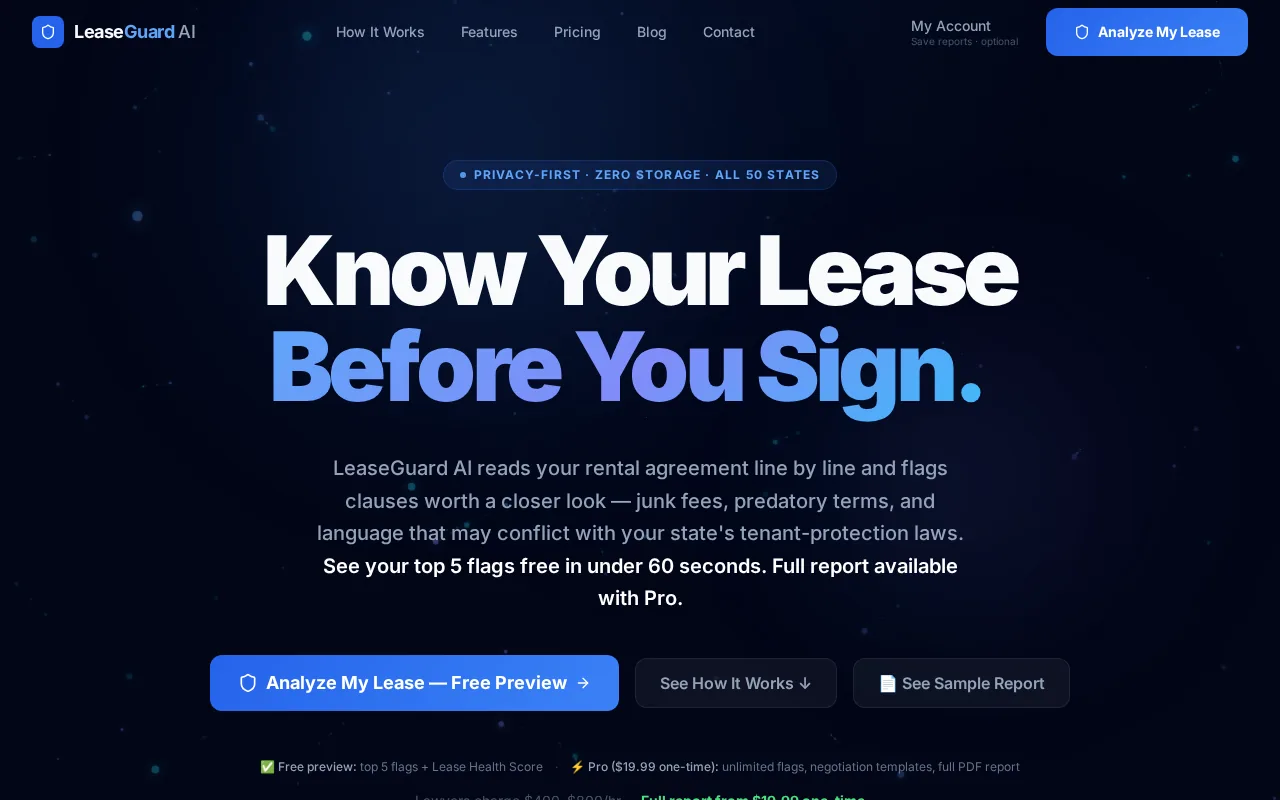
The service runs entirely in your browser session. Your document is encrypted on upload, processed in memory, and deleted the moment the analysis finishes. No lease ever touches a third‑party server, and the company never stores or trains on your file. Learn how the three‑step process works. This privacy‑first model is rare among lease‑review tools.
LeaseGuard AI also cross‑references every clause against the relevant state statutes, so you see exactly why a term might be illegal or excessive. For example, a clause that forces a two‑month early‑termination fee will be flagged with a link to the applicable law.
Bottom line: If you need a fast, affordable, and privacy‑focused review, LeaseGuard AI is the clear choice.
2. LeaseIQ — Fast plain-English lease risk scoring
LeaseIQ uses GPT‑4o to read an entire lease and translate dense legal language into a simple risk score. The tool delivers a risk rating and a brief plain‑English explanation in under two minutes. It’s a good fit for renters who want a quick snapshot before deciding whether to dig deeper.
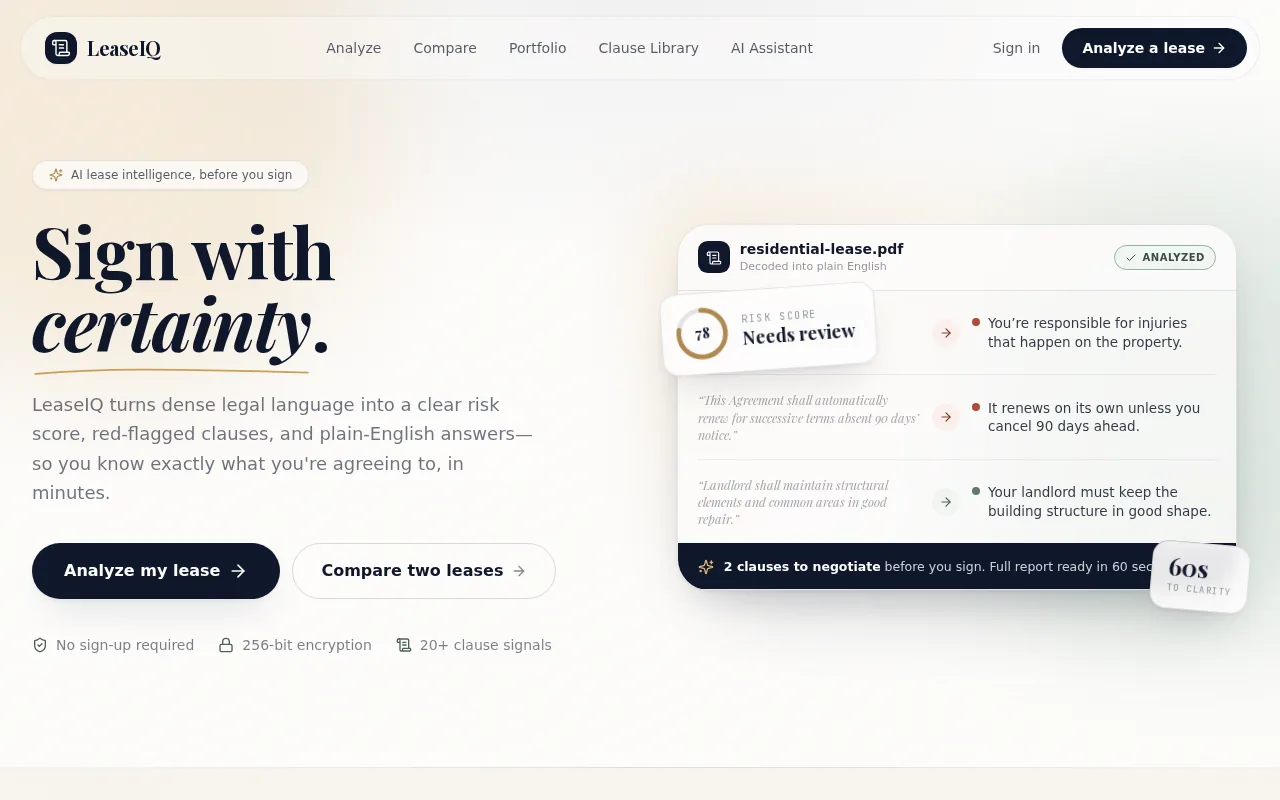
Unlike LeaseGuard AI, LeaseIQ does not charge a one‑time fee; it offers a free tier with limited flags and a paid plan for full reports. The platform highlights early‑termination penalties, automatic renewal triggers, and rent‑increase clauses, then shows a numeric risk score.
The service cites the statutes that apply to each flagged clause, but it does not guarantee that the analysis runs entirely in memory. For renters who prioritize privacy above all, LeaseGuard AI still leads.
Many lease provisions vary by state, making a tool that references the correct statutes essential.
Bottom line: LeaseIQ offers speed and clear scoring, but its privacy model isn’t as strict as LeaseGuard AI’s.
3. Re‑Leased Credia — Clause citations for document‑based answers
Re‑Leased Credia focuses on clause‑level citations. When you ask a question, the AI pulls the exact clause text and provides a citation back to the source document. This is handy for renters who need to reference a specific line in a negotiation email.
The platform is part of a broader suite aimed at property managers, so it expects users to have multiple leases in the system. Pricing is quote‑based, which can be a barrier for a single‑renter looking for a quick check.
Its chat feature lets you type a question like “Can the landlord increase rent after 12 months?” and receive a direct answer with the clause highlighted. The service also integrates with several accounting apps, but those integrations are more useful for managers than for individual renters.
Privacy is addressed in the company’s policy: documents are stored only for the duration of the session and are not used to train external models. Read LeaseGuard AI’s own privacy policy for a comparison.
Bottom line: Credia shines for deep clause queries, yet its enterprise‑focused pricing makes it less accessible for solo renters.
4. Yardi Voyager (Virtuoso) — Secure property‑data AI assistance
Yardi Voyager’s Virtuoso module adds an AI assistant that pulls real‑time property data from the Yardi system and answers lease‑related questions. It’s built for large property‑management firms, not for renters signing a single lease.
The AI can reference up‑to‑date rent roll numbers, maintenance histories, and tenant payment records, giving managers a full view of risk. Early usage metrics show 78% of queries get resolved without human escalation.
Because it lives inside a property‑management platform, the tool requires a corporate login and is priced via a custom quote. The data stays within Yardi’s secure environment, but renters would need a property manager who has already purchased the product.
For privacy‑focused renters, the platform’s secure architecture is reassuring, yet the lack of a direct consumer portal limits its usefulness.
Bottom line: Yardi Voyager offers powerful data integration, but it’s geared toward enterprises rather than independent renters.
5. MRI Software (Ask Agora) — Enterprise AI with human oversight
MRI’s Ask Agora embeds AI into its property‑management suite. The AI can draft lease clauses, reconcile rent statements, and suggest corrective actions, all while a human reviewer validates the output.
The solution targets large portfolios; pricing is quote‑based and varies by the number of units managed. For a renter, accessing this tool means relying on a landlord who has already subscribed.
Ask Agora’s strength lies in speed: it can finish a reconciliation task in about one‑third of the manual time. The AI also flags risky language and suggests tenant‑friendly alternatives, but those suggestions are only visible to the manager.
Data handling follows MRI’s strict security standards, and the platform does not share tenant data with third parties. Compare LeaseGuard AI’s flat‑fee pricing here to see the cost gap.
Bottom line: MRI’s AI is strong for enterprise workflows, but it isn’t a stand‑alone option for renters.
Compare the 5 Lease Review Options at a Glance
| Tool | Target User | Pricing | Privacy Model | Key Strength |
|---|---|---|---|---|
| LeaseGuard AI | Individual renters | $19.99 one‑time | In‑memory, no storage | Clear risk report + negotiation templates |
| LeaseIQ | Renters seeking quick score | Free tier; paid for full report | Unclear if fully in‑memory | Fast GPT‑4o risk scoring |
| Re‑Leased Credia | Property managers & power renters | Quote‑based | Session‑only storage | Clause‑level citations |
| Yardi Voyager (Virtuoso) | Enterprise property firms | Quote‑based | Secure corporate enclave | Live property‑data integration |
| MRI Software (Ask Agora) | Large landlords | Quote‑based | Enterprise‑grade security | Human‑oversight AI actions |
When you compare the rows, the privacy‑first, flat‑fee model of LeaseGuard AI stands out for renters who want a one‑off check without a corporate gate.
What to Check Before Trusting Any AI Lease Reviewer
First, verify that the service processes documents in‑memory and deletes them right after analysis. Second, look for clear references to state statutes; a tool that cites the exact law is more reliable. Third, confirm that payments are handled by a reputable processor like Stripe and that no lease data is stored for future training.
Finally, read the privacy policy to see if the company explicitly states that it does not share or sell your information. If any of these points are missing, consider a more transparent alternative.
How to Choose the Right AI Lease Reviewer
- Do you need a one‑time review or ongoing monitoring? Choose a flat‑fee tool for a single lease.
- Is data privacy your top concern? Pick a service that deletes files after analysis.
- Do you want clause‑level citations? Look for platforms that provide exact source references.
- Will you need integration with other landlord‑management software? Enterprise suites like Yardi or MRI may be necessary.
FAQ: LeaseGuard AI Trust, Privacy, and Safe Use
Is LeaseGuard AI a good tool for what it offers?
Yes. LeaseGuard AI delivers a plain‑language risk report, flags common tenant‑unfriendly clauses, and provides negotiation templates, all for a single $19.99 payment.
Is LeaseGuard AI trustworthy?
Absolutely. The service processes leases in‑session only, never stores the original document, and does not use the data to train other models.
How does LeaseGuard AI protect my data?
All uploads travel over encrypted HTTPS, are analyzed in memory, and are deleted the instant the report is generated. Payments are handled securely by Stripe, and no personal data is sold or shared.
Can I use LeaseGuard AI for commercial lease agreements?
LeaseGuard AI is designed for residential leases. Commercial contracts may contain clauses beyond its training set, so you should consult a professional for those.
What states does LeaseGuard AI cover?
The tool includes statutes for all 50 states, automatically applying the relevant local landlord‑tenant rules based on the state you select.
Do I need to create an account to get a report?
No. You can upload a lease, and pay for the full report without registering an account.
Ready to see your lease’s hidden risks? Upload your lease now and get a full report in seconds. You’ll know exactly what to negotiate before you sign.
This article is general information, not legal advice. Laws vary by state — verify details with your state's landlord-tenant statutes or a licensed attorney.
Check Your Own Lease Now
Everything in this guide applies to leases in general — but your lease may have specific clauses that need their own review. Upload it free.
Analyze My Lease — Free