AI-powered lease review tools 2026 give renters a faster way to spot fees, risky clauses, and tenant-rights concerns before signing. LeaseGuard AI is the clearest fit for U.S. residential renters because it reviews leases nationwide and turns flagged terms into plain-language guidance.
Other tools focus on commercial portfolios or legal teams. Here’s what each tool is built to do, what these systems can miss, and how to use one without treating an AI report as legal advice.
LeaseGuard AI: A Renter-Focused Lease Review Workflow
LeaseGuard AI is an AI-powered lease review service for people who are about to sign a U.S. residential lease. It scans rental agreements for risky clauses, fees, and tenant-protection issues, then produces a plain-language report with negotiation guidance.
The key difference is fit. LeaseGuard AI is built for renters, not a commercial real estate department with hundreds of leases. Its stated coverage is U.S. residential leases nationwide, so a renter can use the same basic workflow after moving between states.
LeaseGuard AI’s review process focuses on three tasks:
- Finding clauses that may create unusual cost or risk.
- Scoring flagged terms so the most urgent issues stand out.
- Explaining what a clause means in everyday language.
That structure helps when a lease looks long but the concern is narrow. For example, you might care most about an administrative fee, a move-out penalty, a rent increase clause, or a broad repair duty. A report can point you to the exact section instead of making you read every page with the same level of attention.
LeaseGuard AI also gives renters a starting point for a landlord discussion. You can ask what a fee covers, request a written explanation, or ask whether a clause can change. The tool does not decide the dispute for you, and it cannot replace a licensed attorney.
Its privacy position is also direct. Lease files are analyzed in real time, then immediately discarded. LeaseGuard AI says it does not store user documents or personal data, and it does not sell or share information with third parties. Payments are handled through Stripe.
For a closer look at the product flow, the LeaseGuard AI review process explains how a renter moves from upload to report.
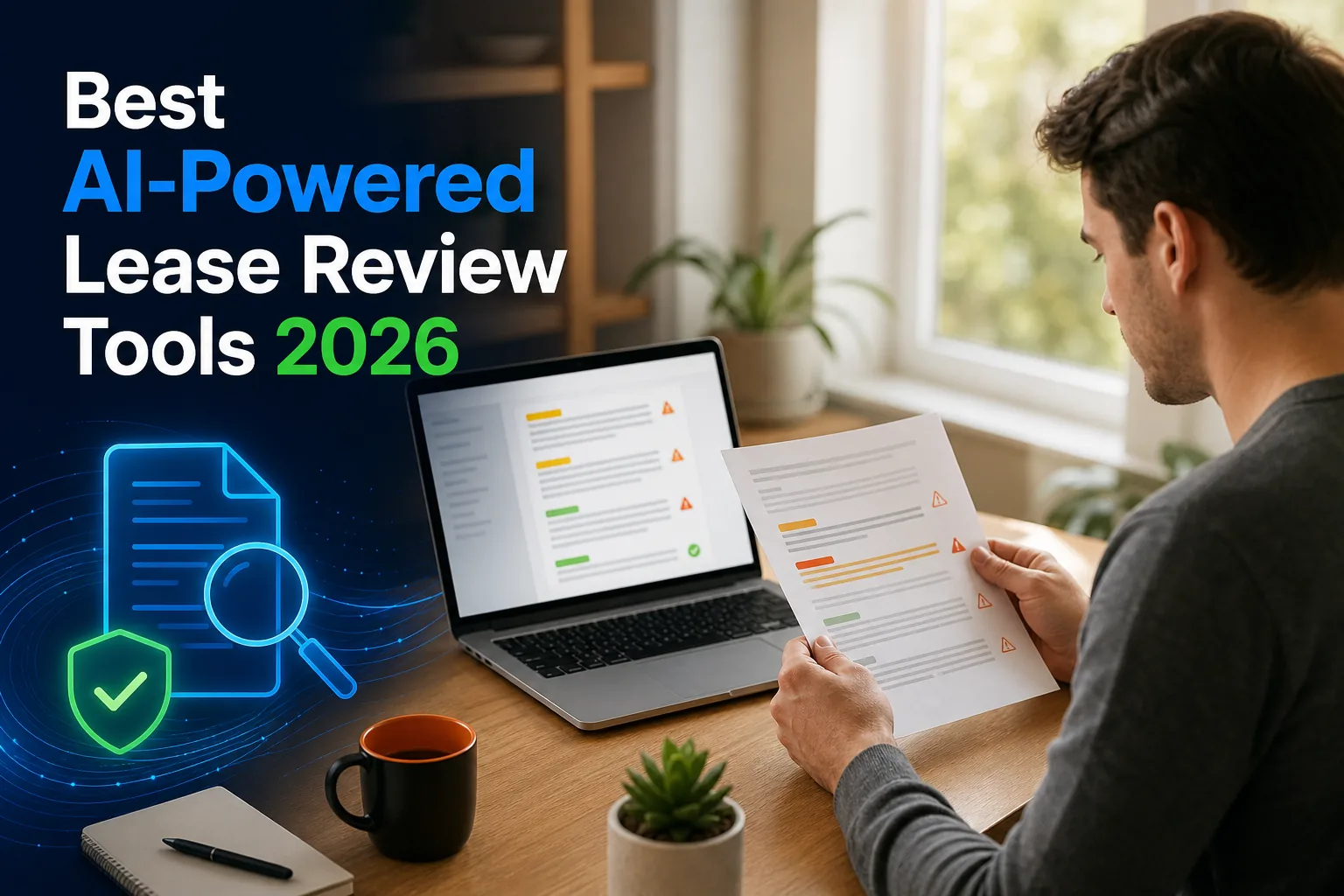
One limit still matters. A report can identify a clause that deserves attention, but it cannot know every fact about your deal. Local rules, lease addenda, side promises, and facts outside the document may change the answer. Use the report to ask better questions, then get legal help when the stakes are high.
What AI-Powered Lease Review Tools Can Check
AI-powered lease review tools can scan lease text for terms that are hard to spot during a rushed move. The strongest renter workflow starts with the actual document, checks each clause against the renter’s situation, and marks items that need human review.
Fees and payment terms
A lease may list more than monthly rent. Review tools can surface security deposits, application charges, pet rent, parking fees, utility billing, late fees, renewal charges, and vague administrative costs. The useful question is not only “How much?” It is “When can this charge apply, and what service does it cover?”
For example, a fee called “monthly services” may sit in a separate addendum. A renter who reads only the first lease page could miss it. An AI review can bring the term into the same report as the rent amount, though you still need to check whether the wording matches the full document.
Risk and liability clauses
Lease reviewers may flag broad repair duties, damage waivers, automatic renewal language, early termination penalties, guest rules, subletting limits, and clauses that shift unusual costs to the tenant. They can also call attention to language that gives the landlord wide discretion.
Pay close attention to terms that use words such as “all,” “any,” or “regardless.” Those words do not automatically make a clause invalid. They do signal that you should read the full sentence and ask how the landlord plans to apply it.
State and tenant-protection issues
Lease rules depend on location. A fee or notice clause may work differently in one state than another. LeaseGuard AI’s renter-focused service is designed to review residential leases across the United States and connect findings to state-level concerns.
That does not mean an AI result is a court ruling. The basic definition of a lease covers a contract for possession and use of property, but the rights around that contract come from the lease, state law, local rules, and the facts of the case.
What AI may miss
AI can struggle with blurry scans, handwritten changes, missing addenda, and terms that depend on a conversation. It may also misunderstand a clause if the document uses unusual formatting or refers to another page that was not uploaded.
Upload the full lease packet when possible. Include attachments that cover pets, utilities, parking, building rules, guarantors, or move-in charges. A short main lease rarely tells the whole cost story.

How Lease Review Tools Differ by User and Lease Type
AI lease review tools differ less by their use of the word “AI” than by the person and document they serve. A renter needs plain language and residential context. A legal team may need redlines. A commercial group may need high-volume abstraction.
| Tool | Best fit | Overview | Renter fit |
|---|---|---|---|
| LeaseGuard AI | U.S. renters | Residential lease review with clause detection, risk scoring, and instant reports | High |
| Kolena | Commercial real estate teams | High-volume lease review and abstraction | Low for a single home lease |
| Claren | Legal teams | Clause extraction, risk flags, and automated redlines | Limited for everyday renters |
| Claude | Small portfolios | Lease review and abstraction with risk flags and source-linked findings | Depends on user skill and setup |
Kolena makes more sense when a commercial team needs to process many documents. That is a different job from checking one apartment lease before a move-in date. Claren’s redline workflow may suit legal professionals who already work inside a contract process, but it can feel too formal for a renter who first needs a plain explanation.
It may help someone who already knows how to prompt an AI system and verify each result. A first-time renter may prefer a purpose-built report that starts with tenant questions rather than a blank chat window.
Renters should not assume a lease tool will pull data from a property portal, save findings to a separate system, or sync with a calendar. Ask about the workflow before uploading a lease.
For a renter comparing more than one product, the lease review app comparison can help frame the choice around security, features, and intended user.
Choose by document type first. A tool built for commercial abstraction may be strong at extracting data from a portfolio yet poorly matched to a tenant who needs help understanding a pet fee or early termination clause.
A Safer Way to Use AI Before You Sign a Lease
Use AI as a review aid, not as the final decision-maker. This workflow keeps the tool’s speed while leaving legal judgment and negotiation with you.
Start with the full document
Collect the lease and every addendum before you upload anything. Look for separate pages on pets, utilities, parking, renters insurance, community rules, guarantors, and move-out charges. If a page is missing, mark that gap in your notes.
Protect sensitive data
Read the service’s privacy terms before sharing a file. Remove information that the review does not need when possible, such as bank details, account numbers, or unrelated personal records. Keep a private copy of the original document.
Check every finding against the lease
Open the page cited by the report. Confirm that the wording matches the finding. Then ask whether another section changes the meaning. A summary can point to a concern, but only the full clause gives you context.
Sort findings by action
- Ask: The clause is unclear or lacks a stated amount.
- Negotiate: The term may be changeable before signing.
- Verify: The issue may depend on state or local rules.
- Get legal help: The dispute involves a large amount, eviction risk, discrimination, or a serious injury.
Send short questions to the landlord
Ask one question at a time. “Can you explain when this administrative fee applies?” is easier to answer than a long message about every concern. Request changes in writing, and save the response with your lease records.
LeaseGuard AI can help with the first pass through its online lease analysis tool. If the report raises a serious legal issue, pause before signing and speak with a licensed attorney in your state.
By the end of this process, you should have a marked copy of the lease, a short list of questions, and a clear record of any promised changes.
FAQ: AI Lease Review Tools and Trust & Safety
Are AI-powered lease review tools accurate?
AI-powered lease review tools can spot common fees and clauses, but their reports still need human review. Accuracy depends on document quality, missing addenda, and the facts around your rental. Treat a result as an explanation and checklist, not a legal ruling. Verify each finding against the lease and local rules before acting.
Is LeaseGuard AI a good tool for what it offers?
Yes, LeaseGuard AI is a good fit for renters who want a plain-language review of a U.S. residential lease. It focuses on risky clauses, fees, tenant-protection concerns, and negotiation guidance. It provides informational analysis only; it is not a law firm. Seek legal advice when the issue has serious financial or legal consequences.
Is LeaseGuard AI trustworthy?
LeaseGuard AI states that it does not store user documents or personal data. Lease files are analyzed in real time and immediately discarded. The service also states that it does not sell or share information with third parties. Payments are handled securely through Stripe. Review the current privacy terms before uploading a document.
How does LeaseGuard AI protect my data?
LeaseGuard AI protects data by analyzing lease files in real time, then immediately discarding them instead of storing user documents. It states that personal data is not sold or shared with third parties. Payments run through Stripe. Remove unnecessary sensitive details before upload, and never share documents that are unrelated to the lease review.
Can an AI lease reviewer replace a lawyer?
No, an AI lease reviewer cannot replace a lawyer. It can explain lease language and help you find questions before signing. A licensed attorney is the right person for a legal opinion, a dispute, an eviction concern, discrimination, or a large financial claim. Keep the report as a discussion aid, not as legal advice.
Conclusion
For a U.S. renter reviewing one residential lease, LeaseGuard AI is the most direct match because it combines nationwide coverage with clause detection, risk scoring, and plain-language guidance. Upload your lease, review the flagged terms, and use the report to ask clear questions before you sign. LeaseGuard AI provides informational analysis only; it is not a law firm.
This article is general information, not legal advice. Laws vary by state — verify details with your state's landlord-tenant statutes or a licensed attorney.
Check Your Own Lease Now
Everything in this guide applies to leases in general — but your lease may have specific clauses that need their own review. Upload it free.
Analyze My Lease — Free