
Finding a hidden fee in a lease feels like hunting for a needle in a haystack. You need a tool that reads the fine print fast, flags risky clauses, and explains what they mean in plain English. Below is our shortlist of the best lease review apps for renters, with a quick note on who each tool fits best.
1. LeaseGuard AI — AI-powered residential lease reviewer
LeaseGuard AI scans a rental agreement, flags risky clauses, hidden fees, and tenant-protection issues, then generates a plain-language report and negotiation tips. It’s built for U.S. renters who want a clear risk score before they sign.
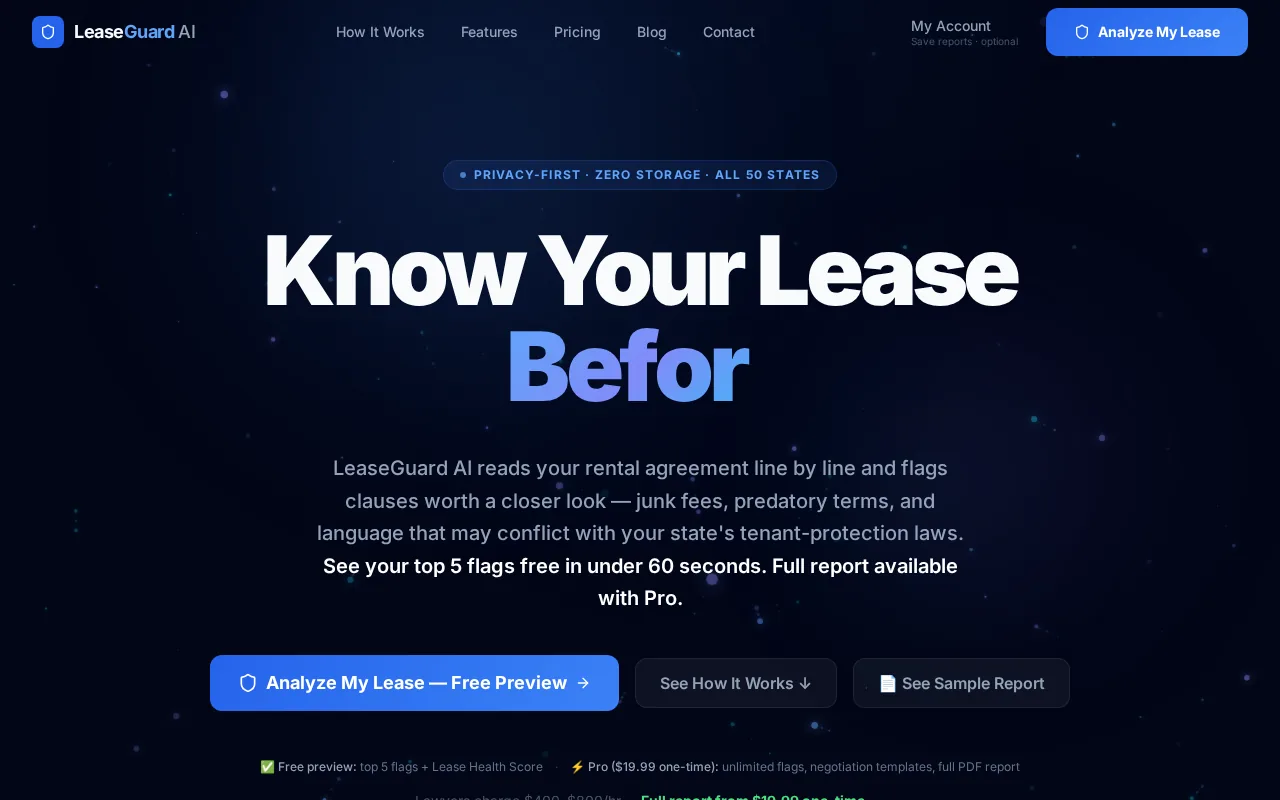
The free preview shows the top five flagged items and a Lease Health Score, so you can test the tool without spending a dime. If you need the full report, it’s a one-time $19.99 fee, the only disclosed low-cost option among the apps we examined.
Because it runs in-session and discards files afterward, your lease never lives on a server, which helps meet privacy expectations.
Analyze My Lease, AI Review in 60 Seconds lets you drag a PDF into the browser and get results in under a minute.
LeaseGuard AI also includes state-specific checks for all 50 states, pulling in statutes like Florida’s Chapter 83 when you select that state. That level of local compliance is rare in consumer-grade tools.
2. Kira Systems — Enterprise-grade lease abstraction for complex portfolios
Kira Systems uses machine learning to identify over 1,000 contract provisions with 93-97% accuracy on standard lease terms. It shines for investors handling multiple lease types, international assets, or heavy regulatory compliance needs.

Bulk upload works well for large deal rooms, and each extracted field comes with a confidence score. Pricing starts around $2,500 per month, which makes it a fit for institutional teams rather than individual renters.
The platform integrates with document repositories and offers detailed audit trails, helping firms meet strict governance standards.
3. Leverton — Deep-learning OCR for large-scale lease extraction
Leverton combines OCR with deep-learning models to pull out more than 150 data points from commercial leases. It supports 25 languages and aligns with IFRS 16 and ASC 842 compliance workflows.

Large investors appreciate its ability to feed extracted data directly into Yardi, MRI, or JLL systems, simplifying the hand-off from extraction to accounting.
Leverton’s performance shines when dealing with multilingual portfolios, a niche that many U.S.-focused tools overlook.
For a look at the broader impact of AI on lease abstraction, see the Wikipedia entry on artificial intelligence.
4. Dealpath AI Extract — Fast lease term extraction for acquisition teams
Dealpath AI Extract is purpose-built for acquisition pipelines. It pulls key lease terms in under a minute with a reported 95% accuracy rate, then auto-populates Dealpath’s deal fields.
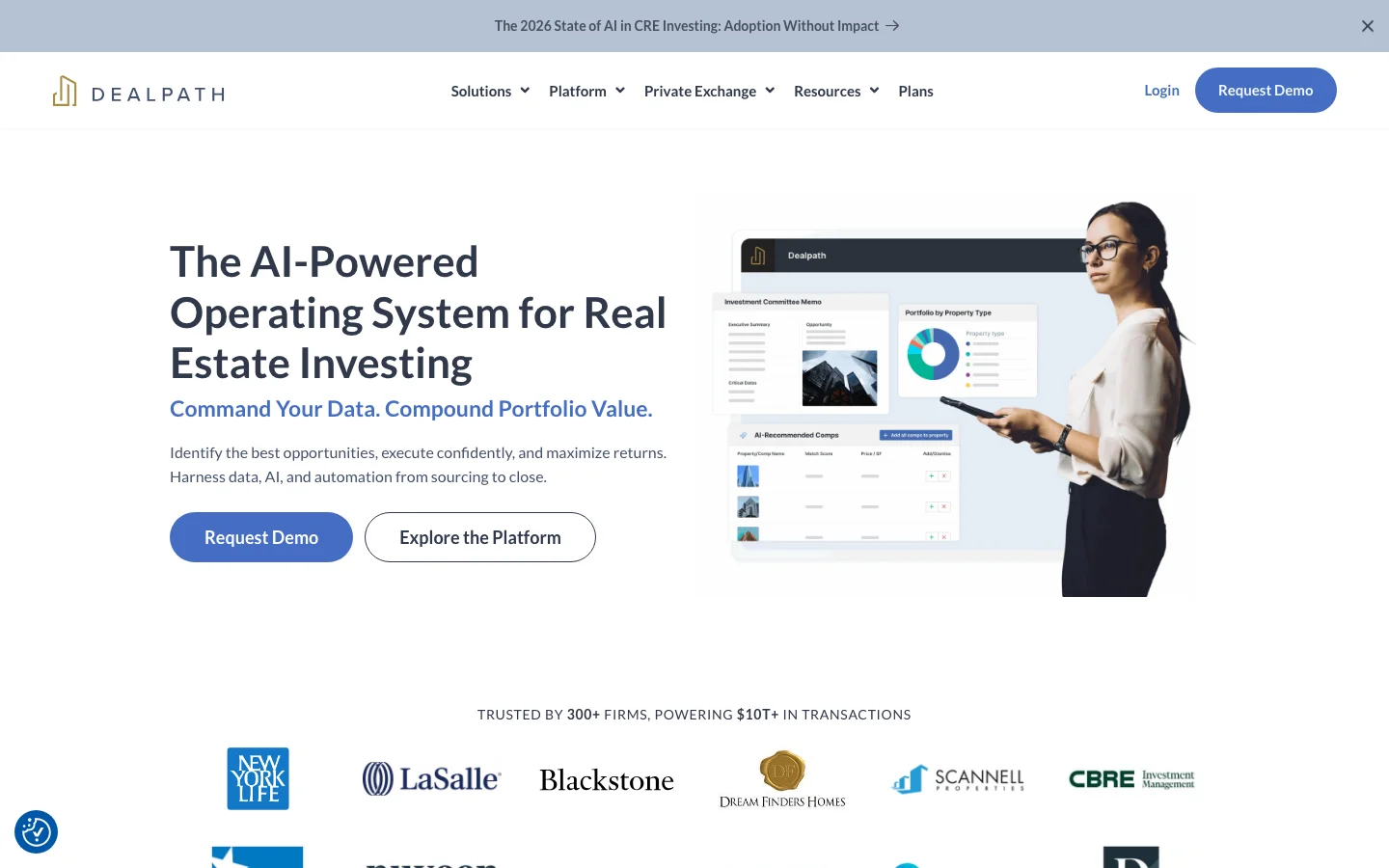
The tight integration removes the manual data-entry step that often leads to errors, making it a top choice for teams already on the Dealpath platform.
Because it’s a module inside Dealpath, pricing is bundled with the broader suite, which can be pricey for small firms.
5. Primer — High-volume residential lease data extraction
Primer focuses on template mapping, learning a firm’s specific abstraction format and extracting rent-roll data at scale. Multifamily acquisition teams love its ability to keep reports consistent across dozens of deals.

It handles both commercial and residential leases, but its strength lies in high-volume residential pipelines where standardization saves time.
For more on how AI can cut lease-review time, read a guide to tenant rights, which highlights the importance of clear lease terms.
6. REmaap — AI-supported migration and plain-language Q&A
REmaap offers AI-driven extraction plus a question-and-answer interface that returns plain-language answers to specific lease queries. Mid-size investors use it to speed up migration of lease data into their own systems.

The tool flags critical dates and financial obligations, then lets you ask follow-up questions like “When does the security deposit return deadline occur?”
Its hybrid human-in-the-loop review adds a safety net for complex clauses that AI might misread.
7. LeaseLens — GPT-4 powered analysis for small-scale lease reviews
LeaseLens uses GPT-4 to read a lease, highlight rent, deposit, fee, renewal, and termination clauses, and then suggest plain-English next steps. It’s ideal if you only have a handful of leases to review.
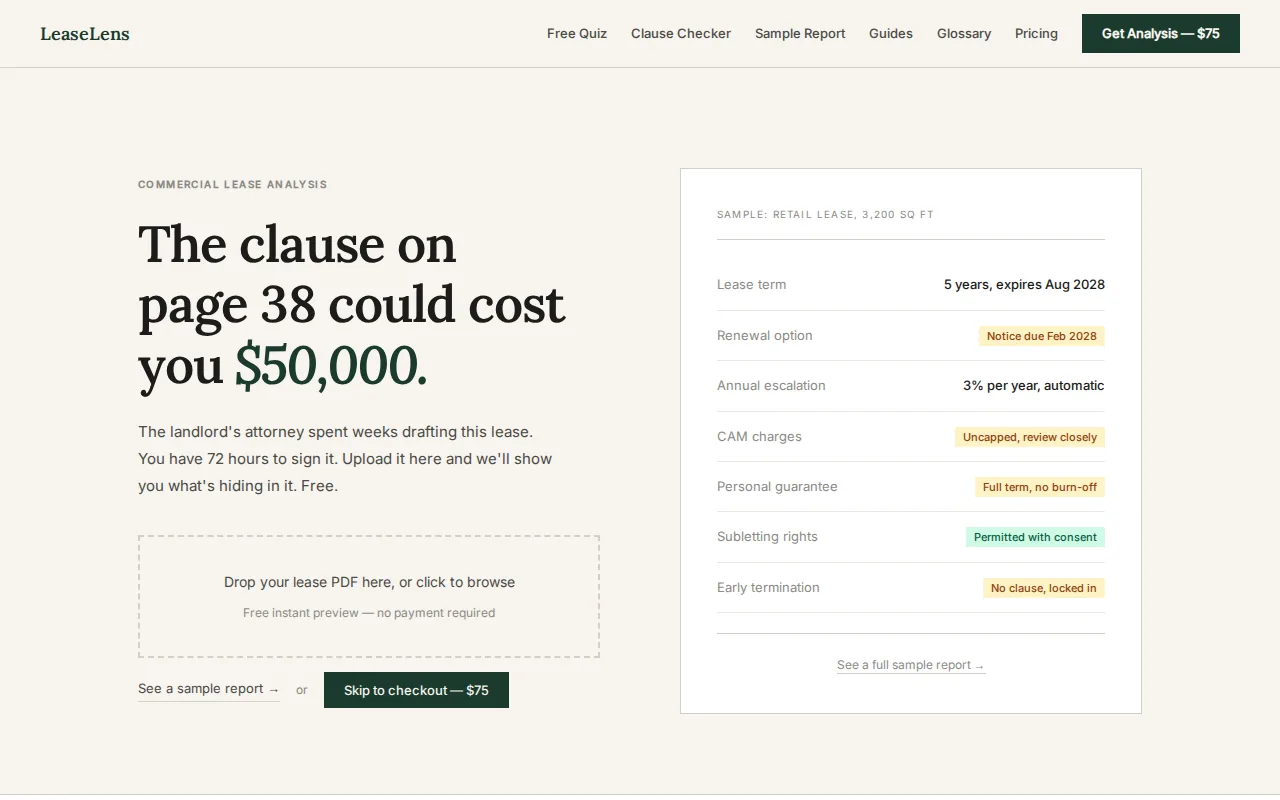
The free tools include a Security Deposit Calculator and a Rent Increase Calculator, which help renters understand potential costs before they sign.
Pricing is available per lease or via subscription for unlimited analyses, with options suitable for property managers handling multiple leases each month.
How to Negotiate Your Lease Before Signing provides script examples that pair well with LeaseLens’s flagged issues.
8. MRI Contract Intelligence — Institutional-level lease extraction
MRI Contract Intelligence blends OCR with AI to extract dates, dollars, clauses, and critical terms, then links each piece back to its source in the document. Large property managers rely on this traceability for audit compliance.
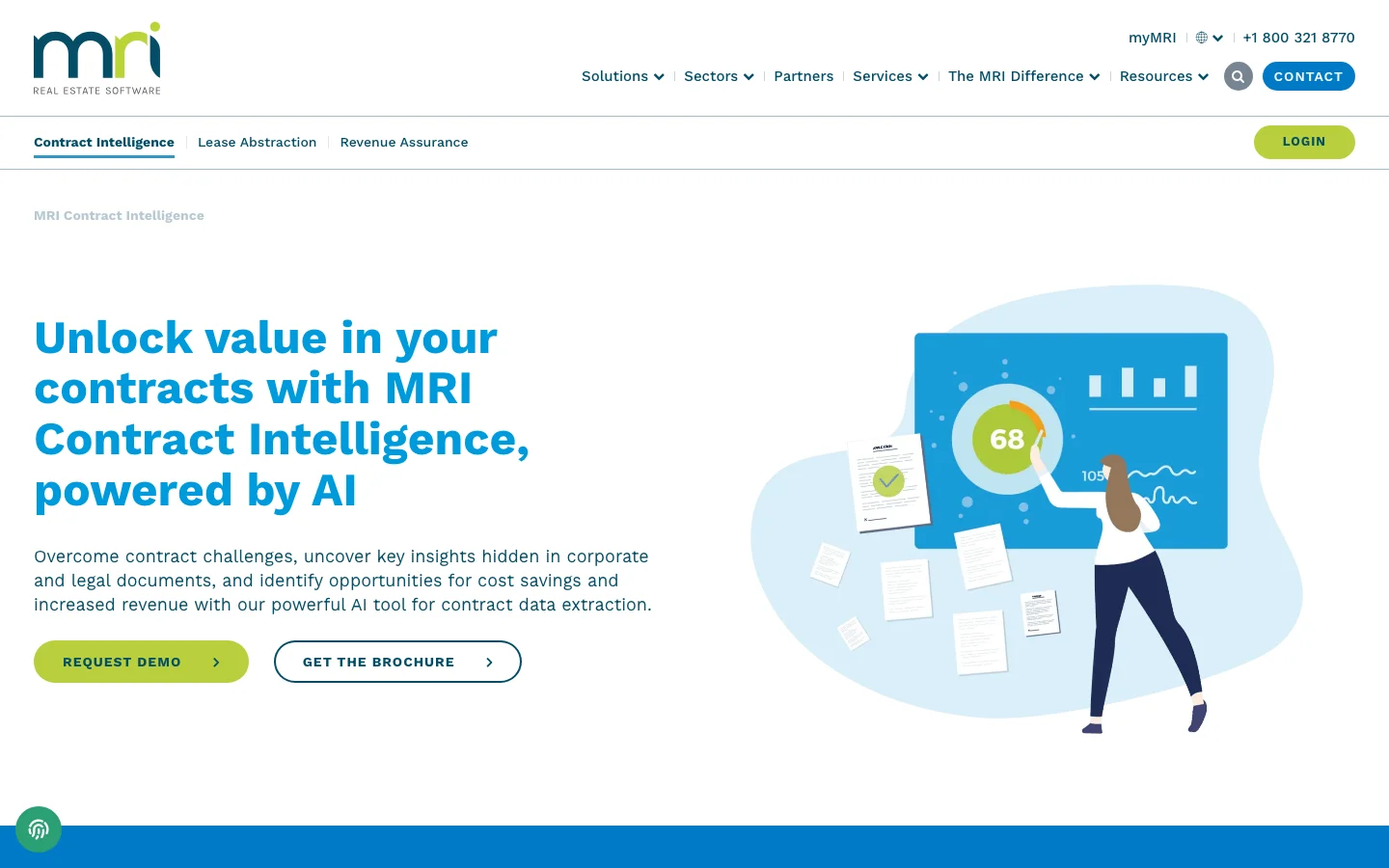
The platform integrates tightly with MRI’s own property-management suite, allowing smooth data flow from extraction to reporting.
Its pricing is enterprise-tier and not publicly listed, reflecting its focus on big-scale users.
9. Prophia — Commercial asset-manager focused lease analytics
Prophia extracts lease data into structured formats that feed directly into financial models, valuation tools, and reporting dashboards. It’s built for commercial asset managers who need to run scenario analyses on lease cash flows.
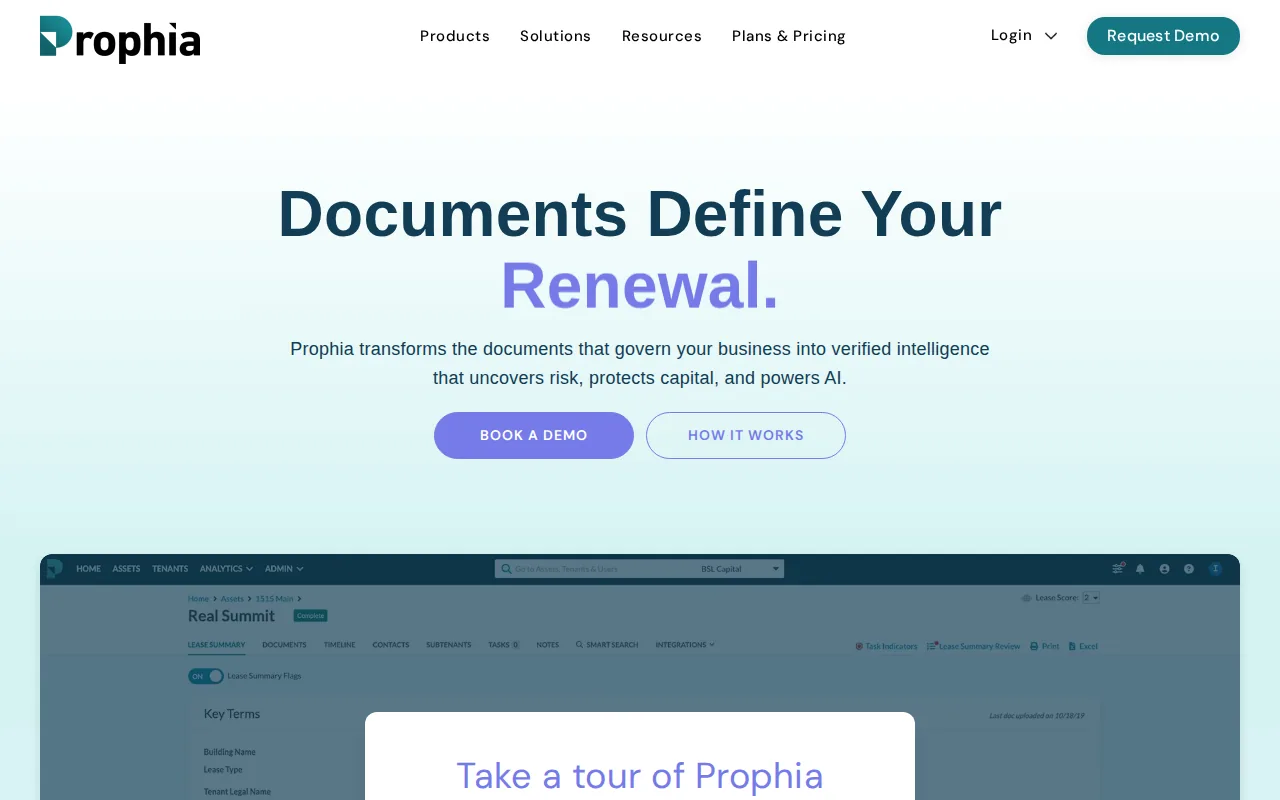
The tool highlights rent escalations, CAM charges, and termination rights, then organizes the data for easy import into Excel or specialized CRE software.
Like MRI, Prophia’s pricing targets institutional clients, with custom quotes based on portfolio size.
How to Choose the Right Lease Review App
- Do you need a free preview? Look for tools that show flagged clauses without charge.
- Is bulk-upload important? Choose enterprise platforms like Kira or Leverton.
- Do you want state-specific compliance checks? LeaseGuard AI and LeaseLens include local statutes.
- Are you integrating with property-management software? MRI, Leverton, and Dealpath offer native links.
FAQ
Can I use LeaseGuard AI for a commercial lease?
LeaseGuard AI is designed for residential leases, so it may miss some commercial-specific clauses. For commercial deals, consider a tool like Kira Systems or Leverton.
How secure is my lease data with these apps?
Most reputable tools, including LeaseGuard AI, run the analysis in-session and delete the file afterward, but always review the provider’s privacy policy for data retention details.
Do any of these apps offer a free tier?
LeaseGuard AI provides a free preview of the top five issues; most enterprise-grade platforms do not offer a free tier.
Which app integrates with Yardi?
Leverton, MRI Contract Intelligence, and Kira Systems all list Yardi as a native integration partner.
Is AI extraction accurate enough to replace a lawyer?
AI tools flag high-risk clauses, but they do not replace legal advice. Use the report as a starting point and consult an attorney for any major concerns.
How fast can I get a lease review?
LeaseGuard AI delivers a summary in about 60 seconds, while larger platforms may take a few minutes to process bulk uploads.
Trust & Safety FAQ: Using LeaseGuard AI
Is LeaseGuard AI trustworthy?
LeaseGuard AI does not store any uploaded documents; the analysis runs in memory and is discarded immediately, so your lease never leaves your browser.
How does LeaseGuard AI protect my data?
All lease files are processed in real-time, never saved, and no personal information is shared with third parties; payments are handled securely via Stripe.
Do I need a lawyer after using LeaseGuard AI?
You may still want a lawyer for complex disputes, but LeaseGuard AI gives you a solid foundation to know which clauses to challenge. LeaseGuard AI provides informational analysis only; it is not a law firm.
Need to end your lease early? Check out our guide How to Break a Lease Legally for step-by-step advice.
Ready to protect your lease without a pricey lawyer? Try LeaseGuard AI free →
Start your free trial today, upload your lease, and get a clear risk report in under a minute.
This article is general information, not legal advice. Laws vary by state — verify details with your state's landlord-tenant statutes or a licensed attorney.
Check Your Own Lease Now
Everything in this guide applies to leases in general — but your lease may have specific clauses that need their own review. Upload it free.
Analyze My Lease — Free