
Signing a roommate lease agreement can feel like stepping into a maze of legal jargon and hidden costs. A quick scan can miss clauses that cost you money or cause disputes later. Below are the best tools to decode the fine print, flag risky terms, and keep your shared rent smooth.
1. LeaseGuard AI (Our Top Pick)
LeaseGuard AI is an AI‑powered service that scans your lease for risky clauses, hidden fees, and tenant‑protection issues. It checks every state’s landlord‑tenant laws, so you get a report that matches Florida, New York, or any of the other 48 states. The free tier already shows the top five flagged items and gives you a simple Lease Health Score.
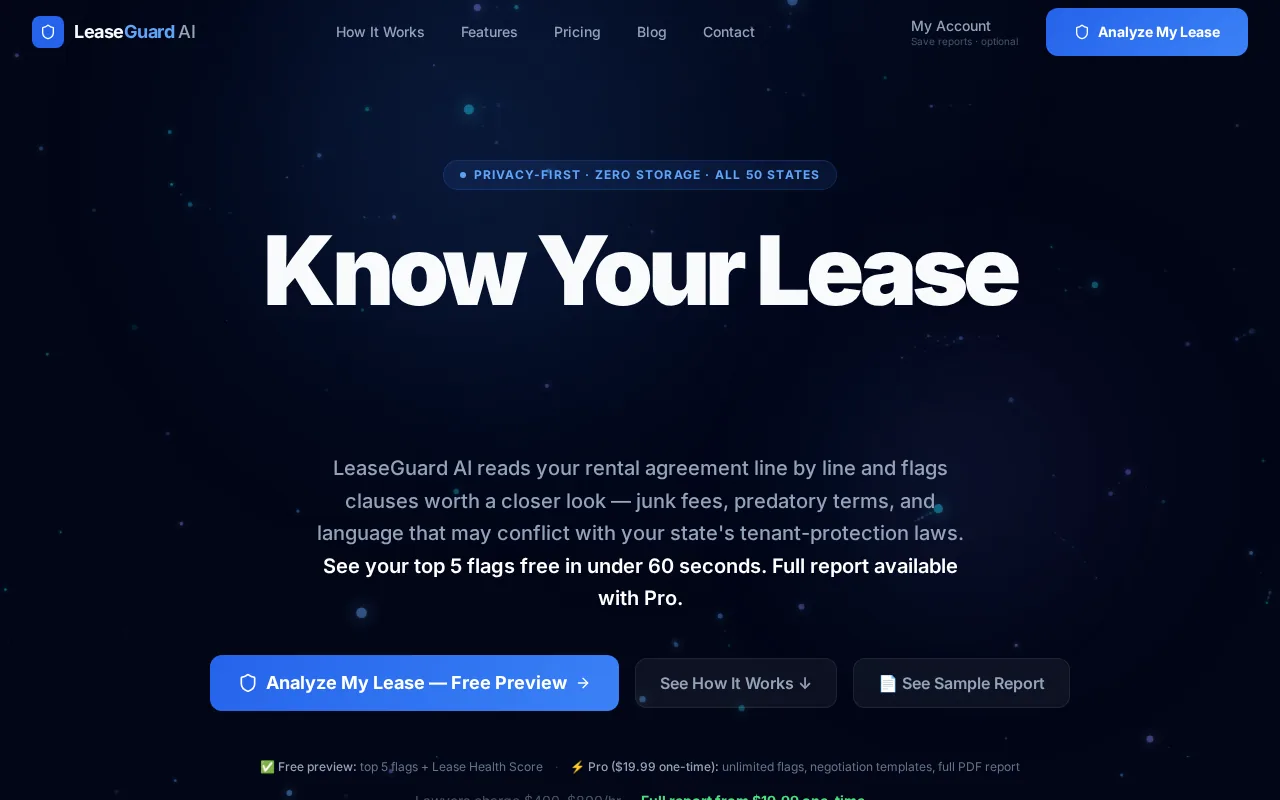
Who it’s best for: U.S. renters who want a plain‑language risk report before they sign. If you’re sharing a place with roommates, the tool also highlights joint‑and‑several liability language, which can affect each tenant individually.
Why it earns the spot: The AI compares each clause against the exact statutes in your state, then translates the legalese into everyday words. For example, it will point out if a “early termination fee” violates your state’s caps, or if a “late fee” exceeds the reasonable limit set by law. It also suggests negotiation language you can copy into an email to your landlord.
One limitation: The free preview stops at five items, so you’ll need the $19.99 one‑time upgrade for a full clause‑by‑clause breakdown.
Learn more about how joint and several liability can impact roommates in What Is Joint and Several Liability? A Simple Guide. This helps you understand why each roommate can be chased for the full rent.
2. Analyze My Lease — Fast PDF Results
Analyze My Lease delivers AI analysis in under a minute. You drop a PDF, and the engine checks more than 50 clause types against your state’s laws. The result is a plain‑English report that lists risky clauses, hidden fees, and suggested next steps.
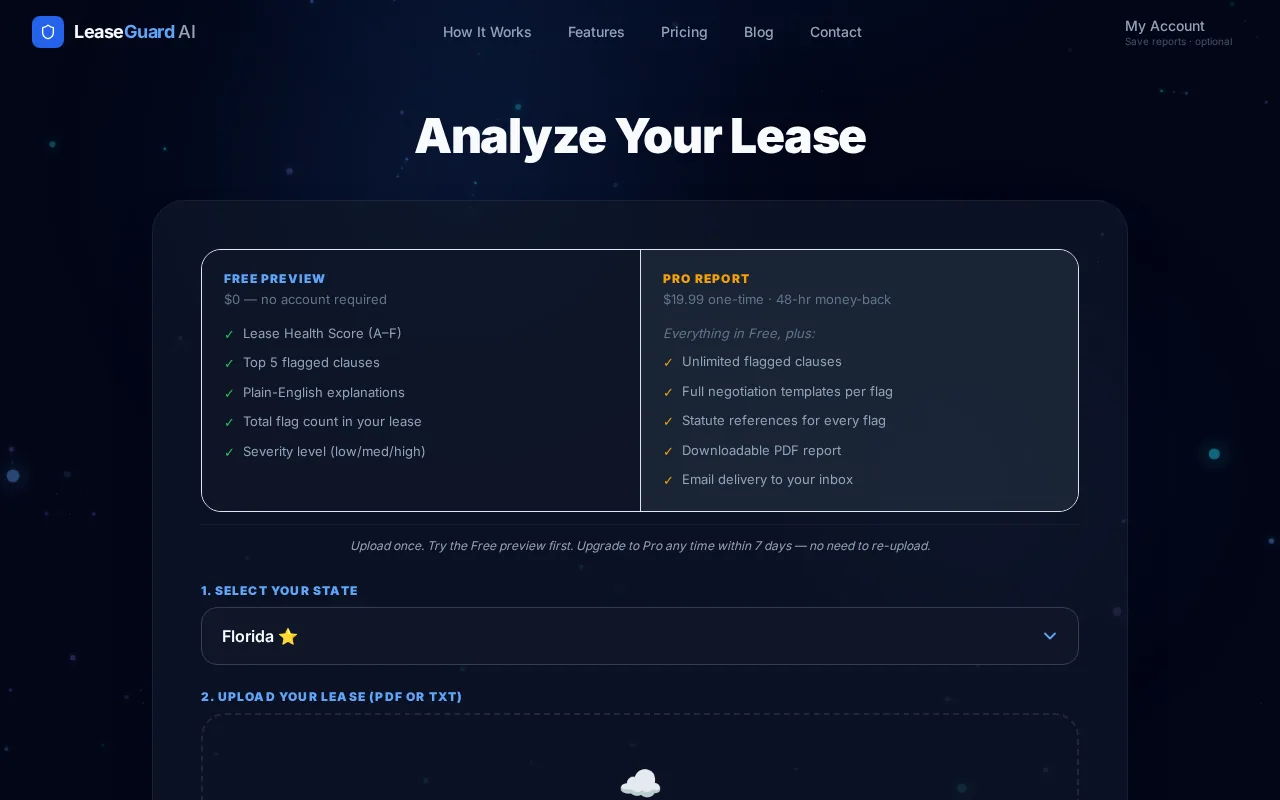
Who it’s best for: Renters who already have a PDF lease and need a lightning‑fast preview. The tool’s speed is handy when you’re juggling multiple roommate offers and need to compare them quickly.
Why it earns the spot: The service explicitly supports PDF uploads, which most competitors leave vague. It also encrypts the file in transit and at rest, then deletes it immediately after analysis, no lingering copies.
One limitation: Pricing varies, so review the available plan details before starting an analysis.
A lease is a contract granting exclusive possession of property for a defined period in exchange for rent. This basic definition underscores why every clause matters, especially when multiple people share the space.
3. LeaseLens — Helpful Clause and Fee Calculators
LeaseLens offers AI‑driven clause reviews plus free calculators for security deposits and rent increases. After you upload your lease, the platform highlights rent‑related terms, deposit rules, and renewal notices, then shows you the money or rights at stake for each issue.
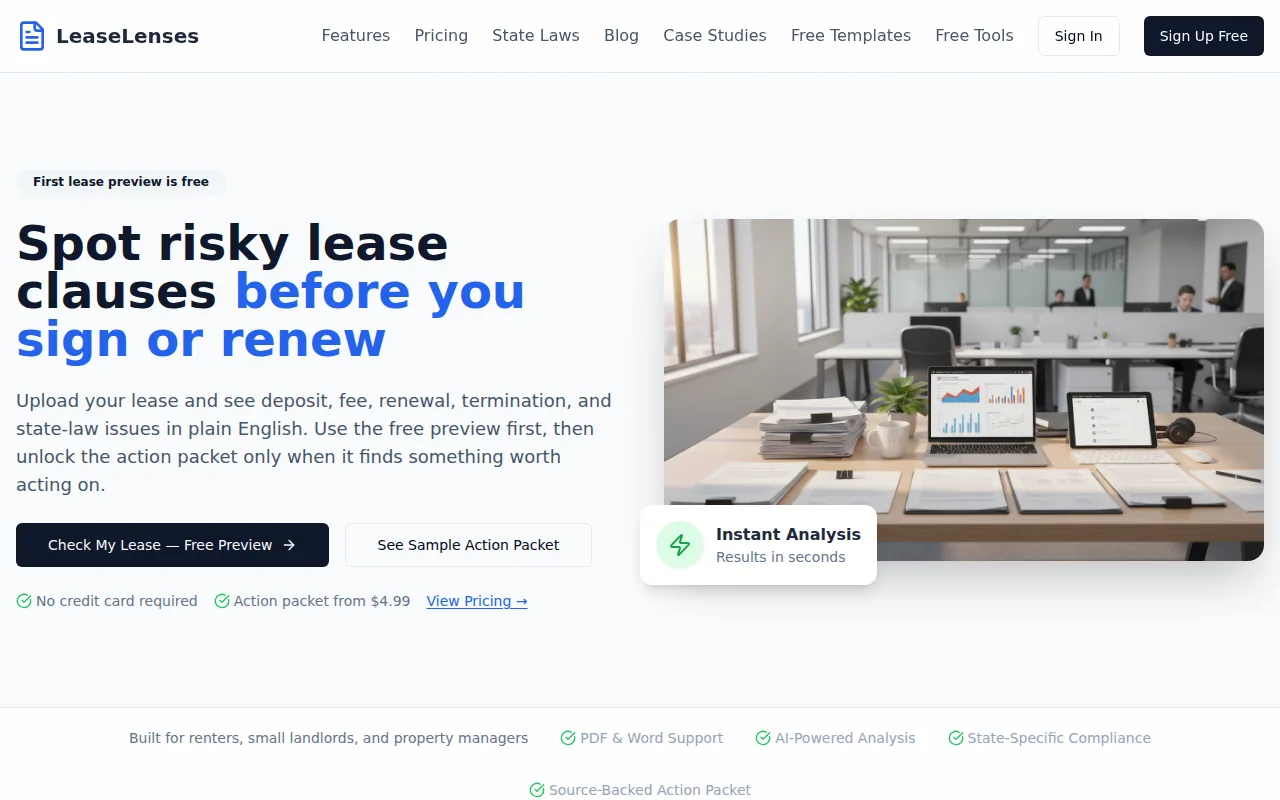
Who it’s best for: Renters who want extra budgeting tools built in. The calculators let you test whether a proposed rent hike stays within legal limits before you sign.
Why it earns the spot: Its free security‑deposit calculator helps you verify that a landlord isn’t charging more than the state‑allowed maximum. The rent‑increase calculator cross‑checks the proposed amount against the legal cap in your state, pulling data from the latest statutes.
One limitation: LeaseLens does not list a starting price on its site, so you’ll need to request a quote for full access.
For a deeper look at reading lease language, on How to Read a Lease Agreement: A Complete Guide for Renters. Understanding the sections will make the AI’s highlights even more useful.
4. LeaseLenses — Detailed Multi-Document Review
LeaseLenses is an AI lease‑audit platform designed for small landlords and property managers, but renters can also benefit from its multi‑document comparison. Upload several lease PDFs at once, and the AI extracts key data, tenant names, rent amounts, deposit figures, and renewal dates, then checks each clause against state‑specific regulations.
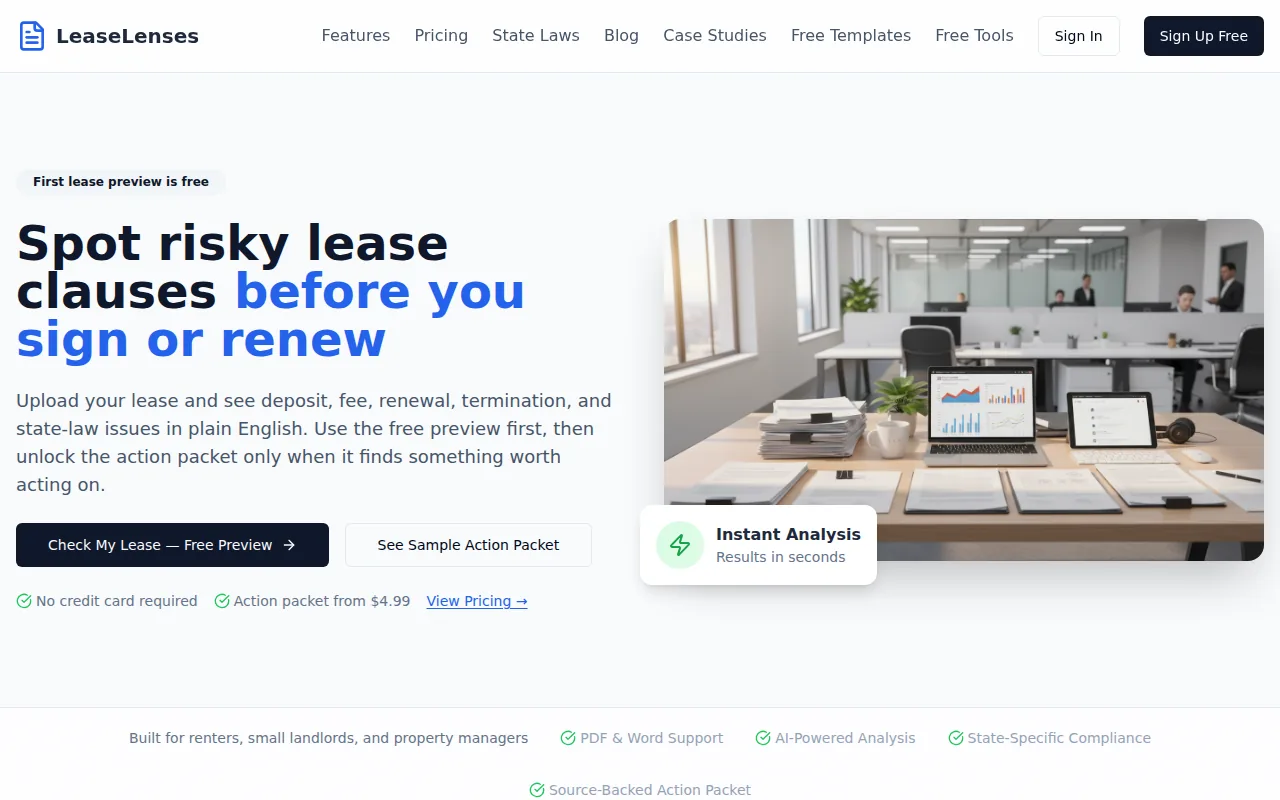
Who it’s best for: Renters who have more than one lease to compare, such as multiple roommate offers or a primary lease plus a separate roommate addendum.
Why it earns the spot: The tool shows the money or rights at stake for each identified issue, turning a vague clause into a concrete cost estimate. It also generates calendar reminders for rent increases, lease renewals, and notice periods, helping you stay on top of deadlines.
One limitation: The pricing page is not public; you must contact sales for a quote, which can add friction for a renter looking for a quick check.
Roommate Lease Agreement Review Tools Compared
| Tool | Free Preview | Paid Price | PDF Support | State‑Specific Checks |
|---|---|---|---|---|
| LeaseGuard AI | Top 5 risks + Health Score | $19.99 one‑time | Yes (PDF/TXT) | All 50 states |
| Analyze My Lease | Full report in 60 seconds | $19.99 one‑time | Yes (PDF) | All 50 states |
| LeaseLens | Clause highlights + calculators | Contact for quote | Not specified | All 50 states |
| LeaseLenses | Multi‑doc audit demo | Contact for quote | All 50 states |
Need a full pricing breakdown? See our Analyze My Lease, AI Review in 60 Seconds page for details on what you get at each price point.
What to Look for in a Roommate Lease Agreement Reviewer
First, verify that the tool flags joint‑and‑several liability language. This clause makes every roommate liable for the full rent, not just their share. Missing it can lead to a surprise bill if a roommate skips a payment.
Second, check for state‑specific fee caps. Many states limit late‑fee amounts or security‑deposit sizes. A good reviewer will compare the lease numbers against the caps listed by the state’s housing agency.
Third, make sure the service supports the file format you have. Most renters work with PDFs, so PDF upload is a must.
Finally, look for a plain‑language summary. Legal jargon can hide costly obligations; a clear, bullet‑point list helps you spot problems fast.
For official fee caps, check applicable housing guidance.
FAQ About Roommate Lease Agreements and Review Tools
What is a roommate lease agreement?
A roommate lease agreement is the contract that binds each tenant to the landlord and often includes a separate roommate addendum that outlines how rent, utilities, and deposits are shared.
Do I need a separate roommate agreement?
Yes. The main lease usually makes every tenant responsible for the full rent, so a separate roommate agreement clarifies each person’s share and what happens if someone moves out early.
Can I upload a scanned lease?
Most AI tools accept scanned PDFs, but the quality of OCR can affect accuracy. LeaseGuard AI and Analyze My Lease both encrypt the file and delete it after analysis.
How much do these tools cost?
LeaseGuard AI and Analyze My Lease charge a flat $19.99 one‑time fee for full reports. LeaseLens and LeaseLenses require you to request a quote, which may be higher for multi‑document audits.
Will the AI miss any hidden fees?
AI can catch most standard clauses, but unusual fees written in plain language may slip through. That’s why it’s wise to read the highlighted sections yourself and ask the landlord for clarification.
Conclusion
For most renters, LeaseGuard AI offers the most complete, state‑specific review with a useful free preview. Upload your lease today, get the top five risks instantly, and move forward with confidence.
This article is general information, not legal advice. Laws vary by state — verify details with your state's landlord-tenant statutes or a licensed attorney.
Check Your Own Lease Now
Everything in this guide applies to leases in general — but your lease may have specific clauses that need their own review. Upload it free.
Analyze My Lease — Free