
Finding a hidden clause in a lease can feel like hunting for a needle in a haystack. You need a fast, reliable way to flag risky terms before you sign. Here are four lease agreement review tools and who each one works best for.
We analyzed 24 YouTube comments about LEASE agreement REVIEW and found that 38% asked about specific lease provisions.
1. LeaseGuard AI
LeaseGuard AI is an AI‑powered residential lease reviewer that scans PDFs, scanned files, or copied text. It’s built for U.S. renters who want a quick sanity check without a lawyer. The free preview shows a Lease Health Score and the top five risk flags, all in plain English. If you need more detail, the one‑time $19.99 Pro report gives unlimited flags, negotiation templates, and a full PDF breakdown.
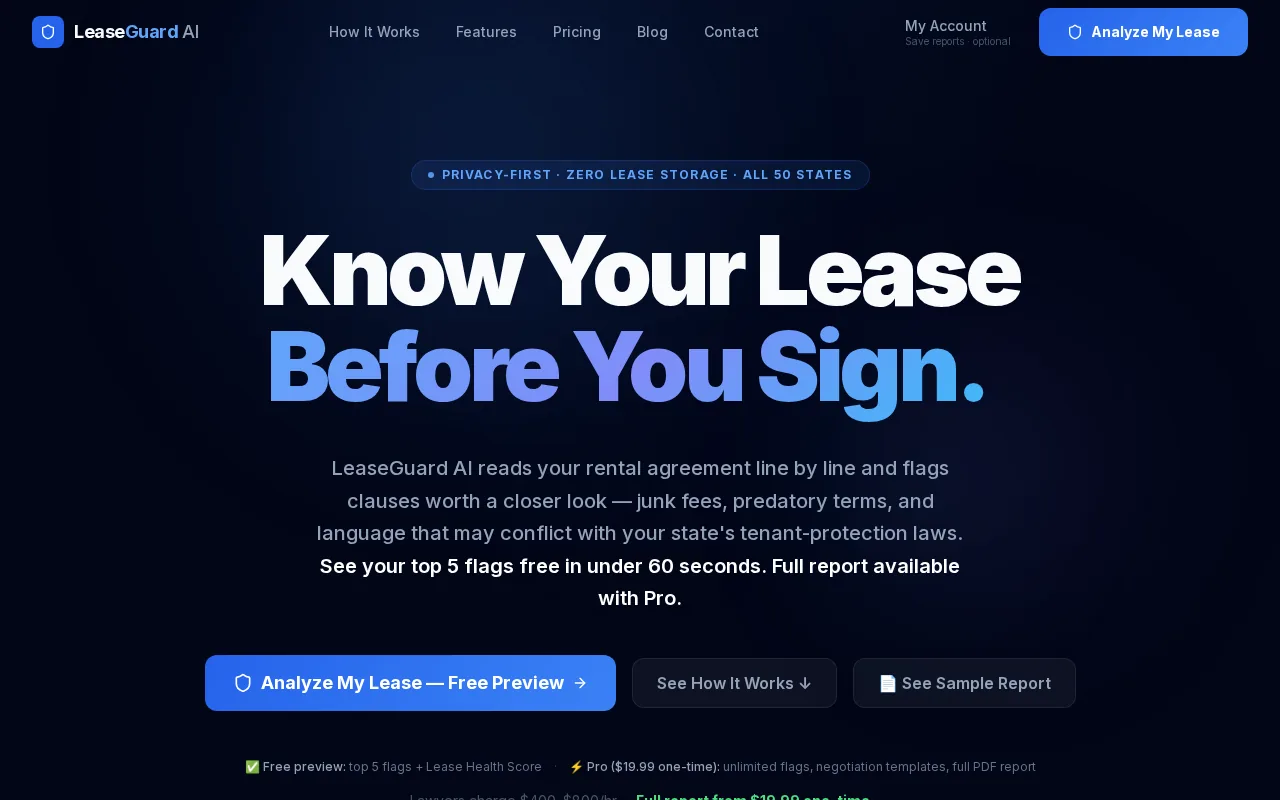
What sets it apart is privacy: the analysis runs in‑session and the document is deleted right after, so nothing is stored on a server. That matters for renters who worry about their personal data. The tool also checks each clause against state‑specific landlord‑tenant statutes, so a late‑fee that exceeds a state cap gets highlighted.
Best for renters who want a free preview and a clear, plain‑language report before they talk to a lawyer.
For a deeper look at what renters should check in a lease, see What to Look for in a Lease Before You Sign.
2. LeaseLogic: AI analysis for quick lease feedback
LeaseLogic is an iPhone‑only app that lets you upload a lease PDF or a photo of a printed lease. The AI breaks the document into simple language, assigns a Lease Health Score, and spots missing or unclear risky clauses. It also adds state‑specific insights for all 50 states and Canada.
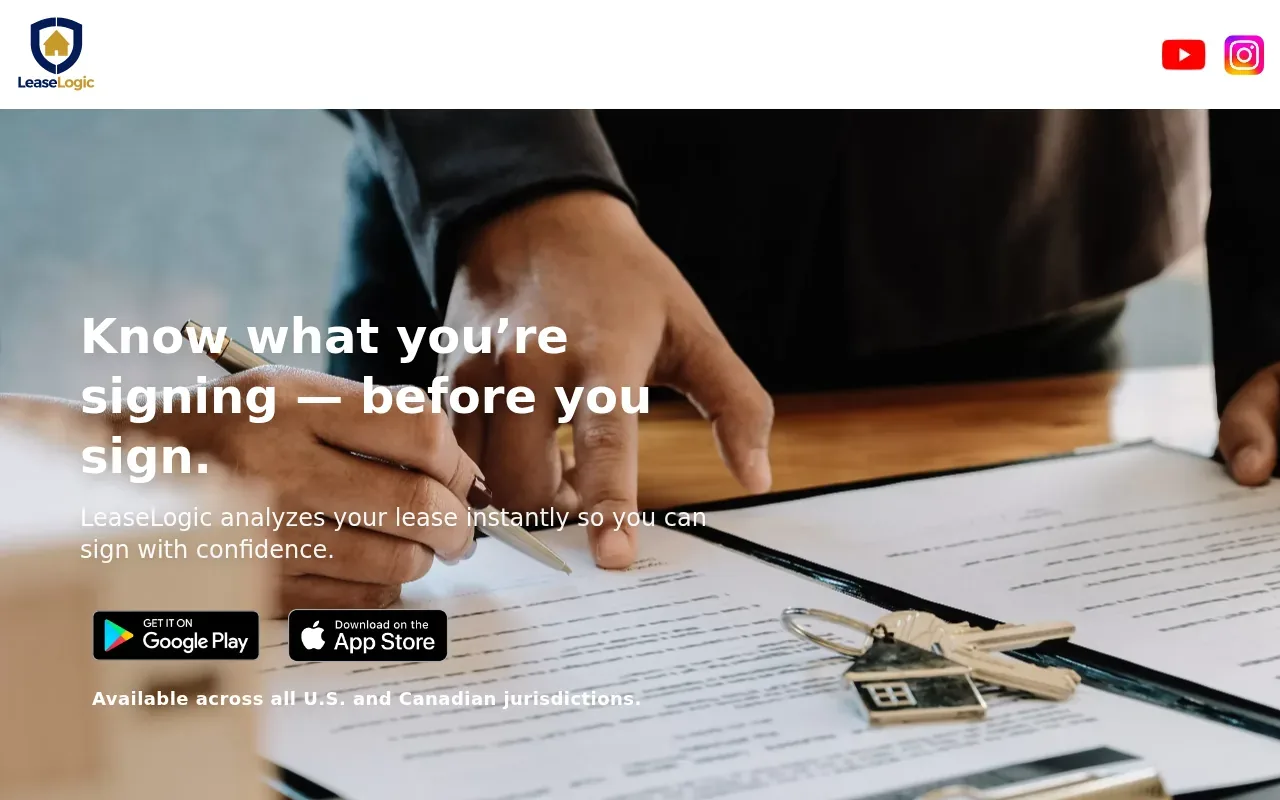
Users like the instant risk flagging and the ability to see a summary without reading legal jargon. The free tier offers a basic health score; full reports and ongoing assistance are available.
Good for renters who prefer a mobile‑first experience and want a quick snapshot on the go.
Read more about the broader landscape of lease‑review apps in Best Lease Review Apps for Renters in 2026, Top Picks & Comparison.
LeaseGuard AI provides informational analysis only; it is not a law firm.
3. LeaseLens: rental‑agreement‑focused document review
LeaseLens tailors its AI to rental agreements. You can upload a PDF or snap a photo, and the system runs a 22‑point checklist that covers rent, deposits, renewal terms, and early‑termination clauses. Each issue gets a dollar‑value estimate of what you might lose or gain by negotiating.
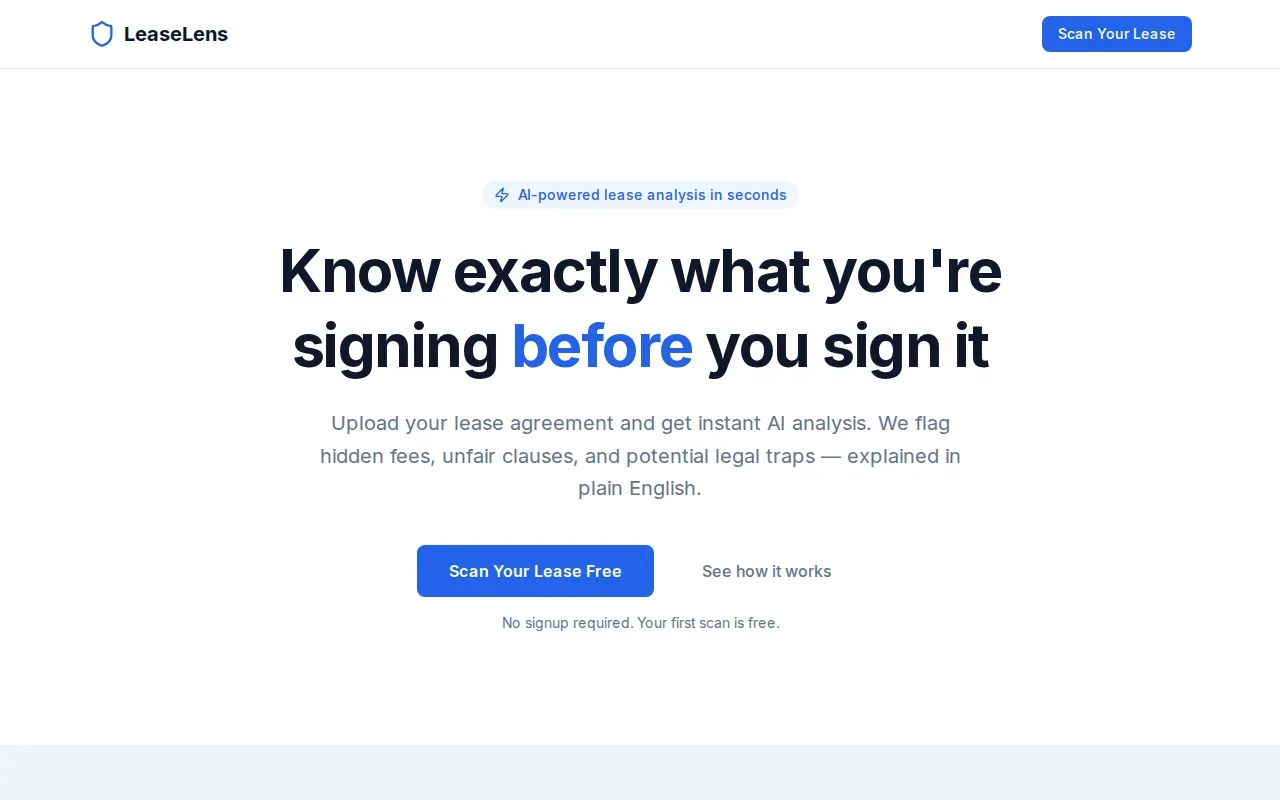
The report includes a clear verdict, sign, negotiate, or walk away, plus ready‑to‑send change requests. Pricing is a flat $75 per lease, no subscription required. The tool also offers free clause‑checking and a negotiation checklist for first‑time renters.
Ideal for renters who need a focused, cost‑predictable review before they start negotiations.
Learn how AI can boost lease negotiations in Best AI-Powered Lease Review Tools 2026.
4. goHeather: broader contract review beyond rental leases
goHeather isn’t limited to leases; it reviews any contract, from NDAs to insurance policies. For rentals, the AI scans the agreement, ranks each clause by risk, and explains the impact in plain English. A free trial gives a few insights, while paid plans unlock unlimited reviews and deeper risk scoring.
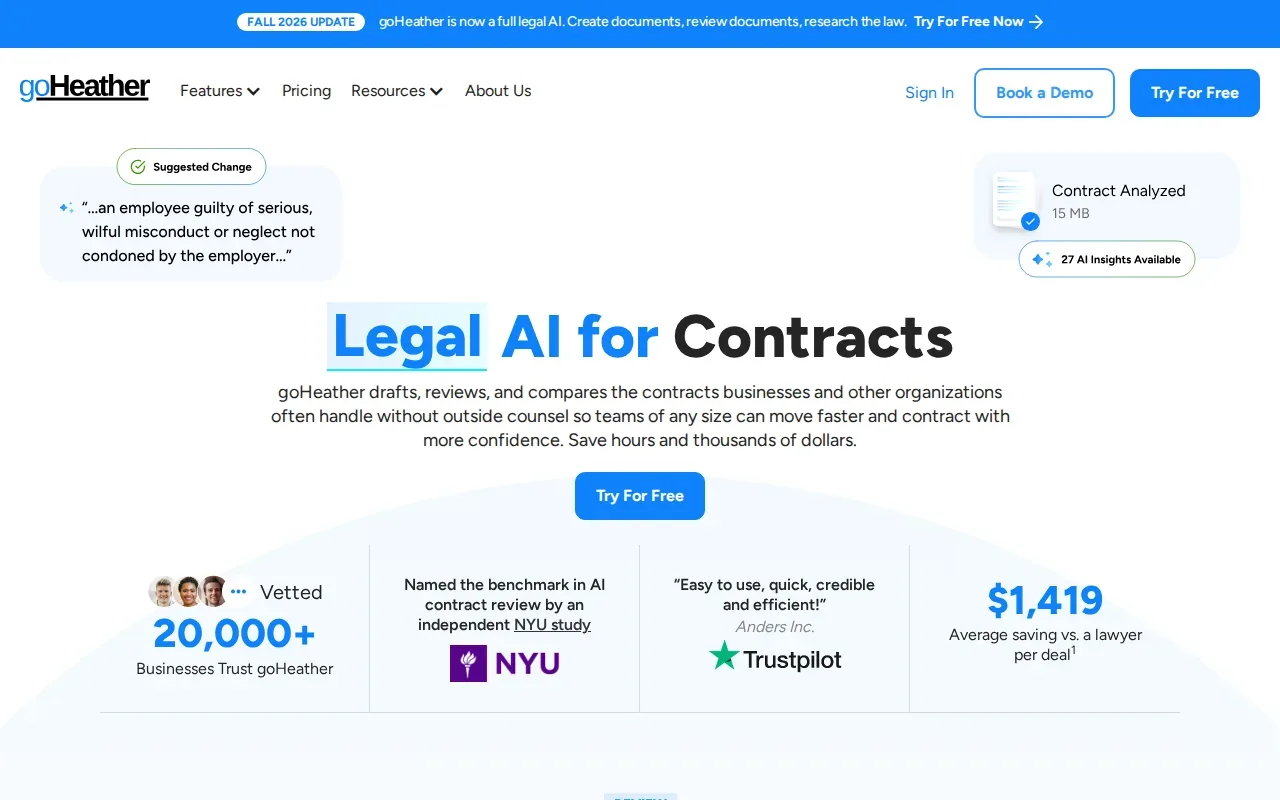
The platform uses lawyer‑trained AI models and promises SOC‑2 compliance, meaning your documents stay private. It also offers red‑lining, version comparison, and a built‑in e‑signature flow.
Best for renters who want a versatile tool that can handle future contracts beyond just the lease.
Compare the lease agreement review options at a glance
| Tool | Free preview | One‑time price | Mobile app | State‑specific checks |
|---|---|---|---|---|
| LeaseGuard AI | Yes (top 5 flags) | $19.99 | Web | All 50 states |
| LeaseLogic | Yes (basic score) | Pricing varies | iPhone only | All 50 states + Canada |
| LeaseLens | See website | $75 per lease | Web | All 50 states |
| goHeather | Limited trial | Subscription (varies) | Web & mobile | All common‑law jurisdictions |
All four tools aim to simplify the lease agreement review process, but they differ in price model, mobile support, and how deep the risk analysis goes. Choose the one that matches your budget and how much you want to dig into the fine print.
FAQ: Lease Agreement Review Tools
What does a lease agreement review tool actually do?
It scans your lease, flags clauses that may be illegal or costly, and translates legal language into plain English. Most tools also give a risk score and suggestions for negotiation.
Is the analysis from these tools legally binding?
No. The reports are informational only; they do not replace advice from a licensed attorney. If a tool highlights a serious issue, you should still consult a lawyer.
How private are the document uploads?
LeaseGuard AI analyzes lease files in real time and never stores them; the details are on our Trust page. For any other tool, read its privacy policy before you upload a lease.
Do these tools work for commercial leases?
These tools are built mainly for residential leases. For commercial space, check each tool’s scope before you upload, and consider a lawyer review.
Can I use a free tool for a multi‑unit property?
You can run a free preview on each lease with LeaseGuard AI, then decide which ones need a full report.
Conclusion
LeaseGuard AI leads the pack with a free, privacy‑first preview that flags the most common renter risks. If you want a mobile app or a tool for other contracts, LeaseLogic and goHeather are solid backups, and LeaseLens offers a fixed price per lease. Upload your lease to LeaseGuard AI now and see your top 5 risks in seconds.
This article is general information, not legal advice. Laws vary by state — verify details with your state's landlord-tenant statutes or a licensed attorney.
Check Your Own Lease Now
Everything in this guide applies to leases in general — but your lease may have specific clauses that need their own review. Upload it free.
Analyze My Lease — Free